

7 Times When You Actually Should Use Motion Smoothing On Your TV
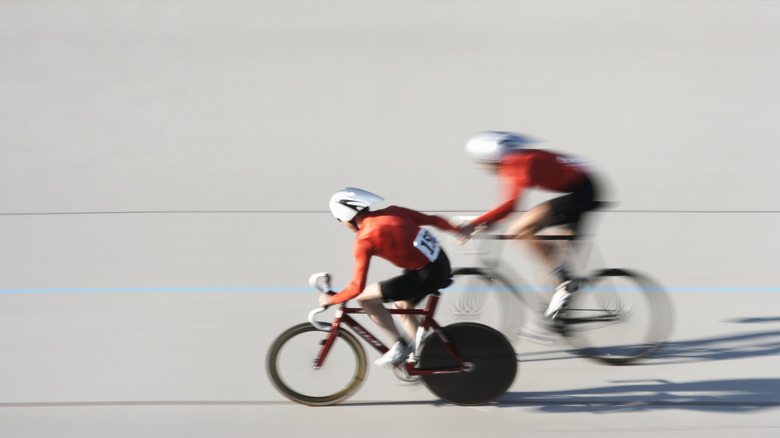
Modern TVs ship with a long list of features switched on by default that might not be the best choice for the content you're watching. One of the most infamous is motion smoothing, and a common question people have about it is how to turn it off. Many people feel motion smoothing gives video an unnatural, hyper-real look that ruins the intent of movie and TV show makers.
Also known as "motion interpolation," or the "soap opera effect," this is a technique where an algorithm is applied to generate additional frames in between the original frames of the video. A video with 30 frames per second will now have 60 frames and the visual smoothness of a video recorded at 60 FPS.
But where do the frames come from? The intermediate frame is calculated from the information in the two frames on either side. The exact method has been refined over the years, and different TV makers have their own secret sauce for post-processing effects like motion smoothing. There are even AI-based methods, such as NVIDIA DLSS Frame Generation. But if no one seems to like it, why do TVs still have this feature? The truth is that motion smoothing is useful on flat-panel TVs, and for some types of content, you should turn it on.
Watching sports

There's a reason that action cameras like the GoPro series can record video at 60 FPS — it's all about eliminating motion blur so you can actually see the action! Sports broadcasts have a tendency to look muddy, even when shot with HD cameras, simply because there's lots of fast motion, but only 30 frames per second to catch it all.
Using motion smoothing can make sports footage look crystal-clear and more realistic. While some may not want movies and TV shows to look like real life, a broadcast of a real-world event comes with no such expectations. So turning on motion smoothing while watching sports can actually improve immersion and make it easier to follow and understand the action.
Some sports fans also tend to favor larger TV sizes, and the larger the screen, the more apparent the jumpiness and stutter in 30 FPS footage. So if your friends give you grief for not using Filmmaker mode, you can at least tell them off with an informed opinion when it comes to sports watching.
Watching animation with troublesome camera pans
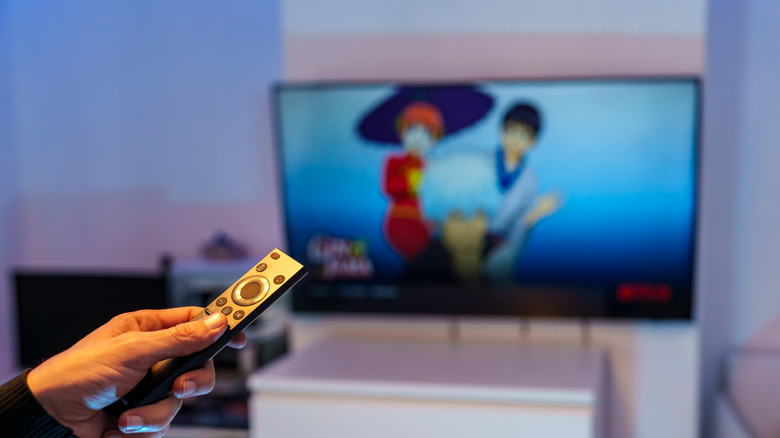
Traditional animation poses its own challenges on modern TV screens. Whether it's Western 2D animation or Eastern anime, the typical frame rate is 12 FPS with some variation, though it's still in a 24 FPS or 30 FPS container. This gives the animation its distinctive style, which we do want to preserve. However, if you're watching an animated film or show with lots of slow panning shots, the jerky-jerky skipping and jumping can be nauseating.
Now, interpolating an animated show to 60 FPS is something you shouldn't do. Just search YouTube for 60 FPS AI upscale animation, and you'll witness such horrors as the human eye should never see. Animation loses its character when motion is smoothed too much. The key term here is "too much," because on modern TVs motion smoothing is rarely just an on/off switch.
Instead, you can usually add just a little bit using a slider, which means you can adjust things so that panning shots are tolerable, but without making the rest of the show or movie look too smooth.
Watching low-frame-rate content on an OLED
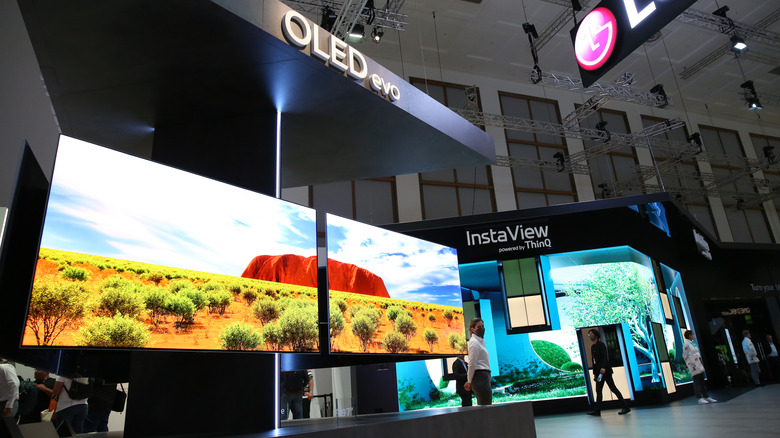
There are quite a few reasons why upgrading to an OLED might not be worth it, but one that's rarely discussed is the issue of motion stutter these displays can have. You see, both old CRTs and current LCD technology have (different) inherent attributes that help blend the gaps between frames together with 24 FPS and 12 FPS content.
However, OLEDs have nearly instant pixel response times, measured in fractions of a millisecond. This means you get incredible motion clarity, especially at 60 FPS and higher. But that same clarity also reveals motion gaps in low-FPS content. Now 24 FPS and 30 FPS video can seem strangely choppy, with stutters in panning shots being particularly visible.
Again, as with animated content, you only have to increase the motion smoothing by a notch or two. Some OLED TVs have specific settings that aim to balance the cinematic look of Filmmaker mode while papering over the motion gaps left by OLED's crisp, fast pixel response time. On LG TVs with this feature, it's called "Cinematic Movement" and is one of the presets of the "TruMotion" feature set.
Watching concerts and other live performances

Just like watching sports, live music events are more immersive when they look like in-person footage. So by using motion interpolation, you can make the footage look more like it's happening on the other side of a window than a recording.
That said, not every live performance will benefit equally from motion interpolation in terms of immersion and visual appeal. Your best candidates are modern concerts recorded in crisp full HD or 4K UHD. Classic concerts recorded using film are less promising candidates, and those shot with digital tape cameras may already have that high-motion look, so the difference might not be as pronounced.
Some concerts have been produced to be deliberately cinematic, so motion smoothing does go against the intended look, and that will be a matter of personal taste for you. However, if you like watching concerts with big productions, lots of dancing, or pyrotechnics, motion smoothing can do a lot to make it feel like you're really there.
Using a very large TV or projector screen
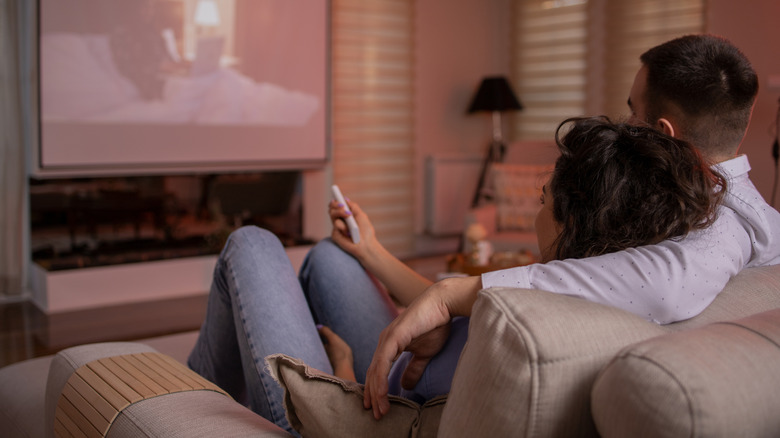
We've already touched on how larger screens are better at exposing motion gaps, but this is an issue worth unpacking in its own right. The issue here is that TV sizes are growing and the prices of TVs under 100 inches in size have been coming down dramatically over the years, so while it may still be impractical to get an 85-inch TV up the stairs and mounted on your wall, the financial hurdles to making it happen are lower.
But having a big picture doesn't require a big TV. Some people are ditching their TVs for a projector, which makes final image sizes in excess of 100 inches easier to achieve. Add to that a new generation of laser TV devices, ultra-short-throw laser projectors, and it seems we can expect enormous screen sizes to become more common as both price and space limitations are addressed.
Once you have that truly big picture up and running, you'll want to spend quality time carefully tuning your motion smoothing settings, because as you approach genuine home theater-scale images, issues like discomfort or eye strain will crop up more often, and that's not a good reason to keep a popcorn bucket handy.
Playing home videos recorded at 24 or 30 FPS
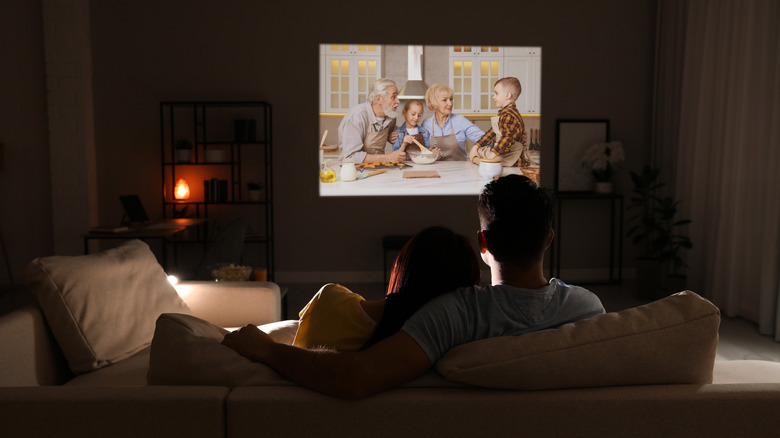
Whether you're using a smartphone, action camera, or a mirrorless camera, chances are you have the option to record your home videos at 60FPS and might even already be doing it. You shouldn't record all your phone videos in 60 FPS. However, if you have a collection of old home videos that you recorded with older digital camera equipment, or digitized from analog sources, that's going to be 30FPS, albeit with 60 "fields" per second.
If you see the point of home movies as preserving memories, then higher frame rates are arguably better because the final result is truer to life. If you've been enjoying the modern 60 FPS videos you've made of your friends and family, then you'll also likely enjoy cranking the motion smoothing option on your TV to its maximum.
If you find that pleasing, then you might even consider using a dedicated modern video interpolation tool to reprocess your old videos into 60 FPS files. An offline video interpolation tool will usually result in a better-quality video than what's possible using real-time video processing on a TV. You can try it right now with the Topaz Labs AI Frame Interpolation tool.
Playing certain low FPS games where input lag doesn't matter
We touched on NVIDIA DLSS Frame Generation technology earlier, which is a special latency-optimized form of interpolation designed specifically to work with video games. The standard motion smoothing solution on TVs adds so much processing time that it shows up as "input lag" in video games. In other words, the delay between pressing a button on your controller and seeing the result on-screen becomes longer. Even worse, you may be seeing things like enemy attacks too late to respond to them, making your performance in the game worse.
That's why no one would usually recommend that you turn motion smoothing on, and a TV's "game mode" disables this feature along with other post-processing features that add latency. But what if responsiveness didn't matter in the game you were playing?
That's the case with turn-based games, or any game design that does not rely on your real-time reaction speed for gameplay. Since so many modern console games still run at 30 FPS, you can use your TV's motion technology to improve visual smoothness without hurting gameplay. With some of the latest TVs, interpolation processing might be so fast that some real-time games with more forgiving gameplay might also be feasible, but your mileage will undoubtedly vary.