

5 Disadvantages Of Switching From AirPods To Samsung Galaxy Buds
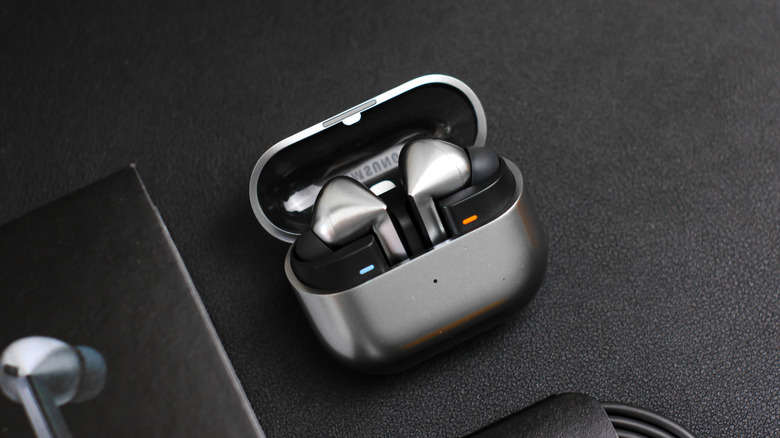
There are lots of wireless earbud options out there, but for some, the appeal of choosing between Samsung and Apple is just too tantalizing. Even BGR's own Apple AirPods Pro 3 vs. Galaxy Buds 4 Pro comparison found that the answer largely comes down to which ecosystem you use. Both companies take their hardware seriously, and deciding between the two can be quite the audio challenge. However, if you're thinking of switching from the Apple AirPods to the Samsung Galaxy Buds, you may want to think about some of these disadvantages.
Depending on the rest of your hardware, you may be missing out on several benefits the Apple ecosystem provides while not fully getting to enjoy Samsung's. Wireless connections may be less convenient, and locating any missing Galaxy Buds may be more of a challenge. Though both devices have similar health metrics and monitoring, one model of the AirPods Pro has a slight advantage in this area, and users may also want to look at how active noise cancelling affects battery usage between the companies.
At the end of the day, it's really going to be about what sounds best to you if audio is your only concern, and Galaxy Buds can still offer some quality sound. Of course, there are also good reasons to ditch earbuds for headphones, if you're open to switching things up entirely. If you're the type that is constantly torn about being on Team Samsung or Team Apple, here are some reasons you may want to go with the latter.
Mixing ecosystems sacrifices features
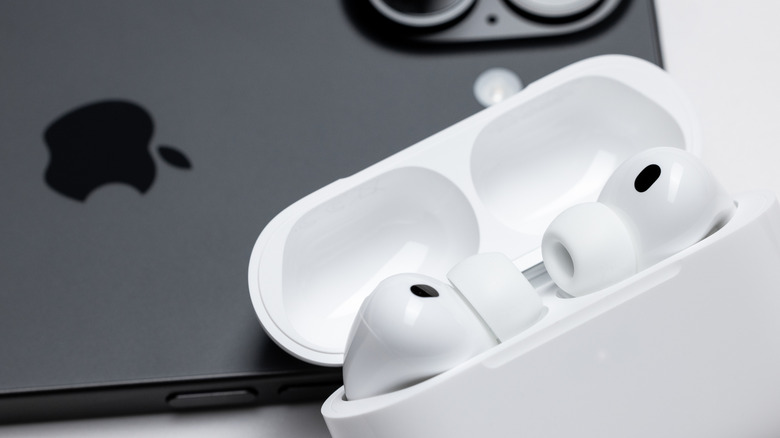
One of the big perks of going with Apple products in the first place is keeping your devices under one umbrella. The company is pretty big about offering seamless integration across all of its devices, and the AirPods are no exception. AirPods integrate with Siri rather well, but Galaxy Buds have their own Samsung-specific features, like customized touch controls. Should you decide to make the switch, you may miss out on some of these ecosystem perks.
Let's say you have the Galaxy Buds 4 connected to an iPhone. So long as you have an iPhone 5 running iOS 9 or later, you'll be able to connect any Galaxy Buds model and use them for calls and audio, but you're not going to be able to use some of the cooler features of the Galaxy Buds. For starters, you won't be able to access Samsung's Bixby voice assistant, and you'll also be stuck with the default settings of the Galaxy Buds. Forget about adjusting the EQ, and the Galaxy Buds iOS app only works with the Galaxy Buds+ and Galaxy Buds Live.
Suffice to say, you're essentially working with one arm tied behind your back (or perhaps one ear tied behind your head). If you're already invested in the Apple ecosystem, you're not going to get the benefits of Samsung's in your earbuds. There can be some real disadvantages to the Apple ecosystem, of course, but if you have a lot of Apple devices, consider what you may be missing out on by replacing one of the cogs.
Connections may be messier
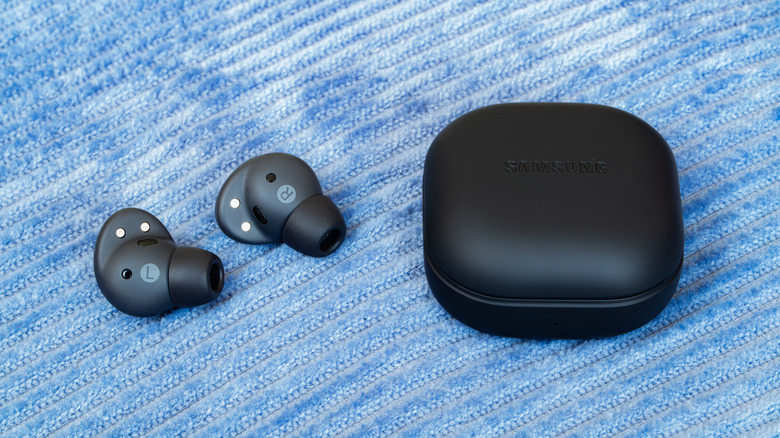
Making connections is an important part of an audio experience — after all, you can't really enjoy anything if your earbuds aren't actually connected to a device. Just like Samsung and Apple have their own ecosystems that may not always gel well with each other, this also applies to connections. Thanks to Bluetooth, you're going to be able to pair the Galaxy Buds to an iPhone, Mac, or even an Apple TV (though Samsung doesn't officially support iPads), but there can be caveats.
As mentioned, you'll likely be missing out on some of the Galaxy Buds' features (and most certainly the AirPods'), but you'll also be missing out on easy connectivity. So long as a device is signed in with your Apple Account, you can automatically switch AirPods between Apple devices. Apple even provides methods for manually switching or disabling automatic switching, and there's also an easy method to bring the AirPods back to your iPhone. If you go with the Galaxy Buds, you lose all of this.
It really all ties back to the Apple ecosystem again, but there is a big advantage to not having to connect the same device to different electronics multiple times. It's not something that will be the end of the world if you decide to ditch your AirPods for Galaxy Buds, but again, it's really going to depend on how invested you are in the Apple ecosystem in the first place. Though, considering there's some features only Galaxy Devices have, making the move to Galaxy Buds may just be the start to fully switching ecosystems.
Finding your Galaxy Buds can be more challenging
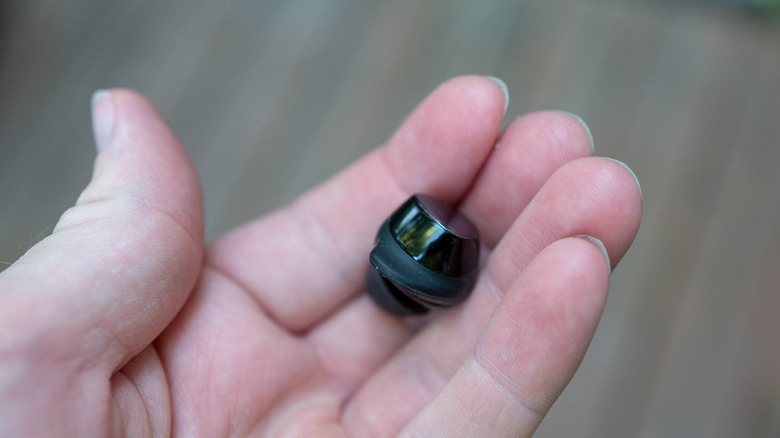
Apple Find My allows AirPods owners to easily locate them should they be misplaced. Depending on the device model, you can have the AirPods case play a sound to alert you of their location, or view their location on a map directly from an iPhone, iPad, or Mac. For Samsung Galaxy Buds, users can rely on apps like SmartThings Find or Samsung Find to do some similar location tricks. However, It's not going to be the same experience.
With newer AirPods, the actual earbuds can play a sound if one of them should go missing, but with Galaxy Buds, the charging case can't be tracked on its own. Anyone who's ever lost a charging case should immediately see the issue, but there's also the fact that Samsung's location systems may not play well with an iPhone. If you're sporting an iPhone with a pair of Galaxy Buds, don't be surprised if you can't track them at all, since the Samsung Find website only shows Buds registered through a Galaxy phone or tablet.
Compared to some of the other disadvantages on this list, losing proper tracking may not be a dealbreaker for everyone. However, if your iPhone is the only phone you own, finding a lost earbud in the moment may be another story. There's also the fact that it doesn't really matter how long owners say Samsung Galaxy Buds usually last if you can't find them in the first place. If you're the type that would lose their head if it wasn't bolted on, what to do in case you lose an earbud may be a big concern.
ANC impacts battery differently
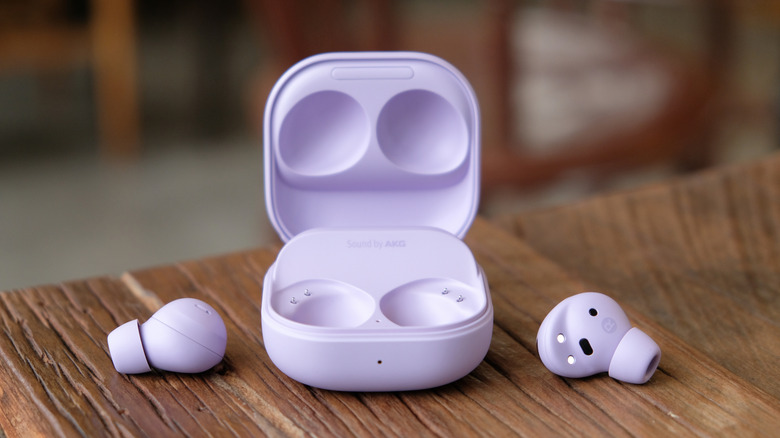
As a refresher, Active Noise Cancellation (ANC) helps stifle the external world so you can focus on what's coming from your earbuds. Essentially, the tech relies on tiny microphones to pick up outside noise and generate inverted sound waves that help cancel out any frequencies you're not trying to hear (known as destructive interference). ANC is useful (and we explain how noise cancelling headphones actually work (and how safe they are for your ears)), but it also impacts your battery, and this matters between AirPods and Galaxy Buds.
Let's compare the AirPods Pro 3 and the Galaxy Buds 4 Pro. With ANC turned on, the Galaxy Buds 4 Pro can go about six hours before dropping below 10% (per GSMArena's testing). The team also got about 21 total hours of use with the included case. AirPods are a little trickier, due to them requiring contact with skin for ANC to activate, so GSMArena went with Apple's claims of eight hours of ANC time. However, the team did get 24.5 hours of playback time with the Apple Charging Case.
Now, plenty of factors can impact the battery time of wireless earbuds, including volume levels and how often they need to connect and disconnect. However, with ANC being a significant factor, this not only equates to less playtime, but this also means more charging. Ultimately, this can have an impact on the overall health of your battery. Mileage may vary for users, but you may be worrying about more than just how long the Galaxy Buds will last on a long flight.
Samsung lacks an important health feature
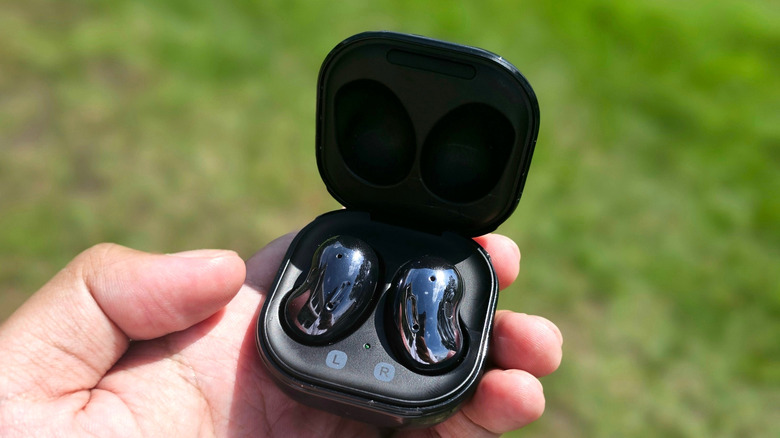
This last one really only applies to the AirPods Pro 3, but it's also something really worth considering if you find it's something you need. Apple has been hard at work cramming an assortment of health features into its higher-end earbuds, and this includes the ability to track a user's heart rate during a workout. Using sensors that pulse infrared light up to 256 times a second directly into a user's ear, the AirPods Pro 3 can be combined with an Apple Watch to get readings with more precision.
For comparison, Samsung doesn't list heart rate monitoring among the Galaxy Buds 4 Pro's features. The company did originally have heart rate monitoring in older models, such as the 2016 Gear Icon X fitness earbuds, though this is no longer the case. Again, most users may simply prefer using a compatible Galaxy Smart Watch' or Apple Watch to monitor their heart rate, but it is one of the many clever things your AirPods can do, besides playing music.
On the bright side, both AirPods and Galaxy Buds have some cool features regarding hearing health. The Galaxy Buds Pro 3 Pro and 4 Pro are both getting FDA-cleared Hearing Aid and Hearing Test features, rolling out in the fourth quarter of 2026 in the U.S. and select markets, which can give users a 5-minute test for their hearing or help a user amplify hard-to-hear sounds. Both the AirPods Pro 2 and 3 have similar features. Some folks may truly miss the heart rate monitoring option found in the AirPods Pro 3, but both at least offer something in the way of hearing monitoring and protections.