

4 Common Issues With Fitbit Devices
We may receive a commission on purchases made from links.
There are many big names in the fitness wearables market these days — so much so that some enthusiasts believe there's simply no need for a Fitbit anymore. However, Google continues to support its Fitbit brand, as shown by its latest release of the Google Fitbit Edge. The Fitbit brand has been around since 2009, and it is one of the most trusted, longest lasting names in the fitness space. But it's also far from perfect, as users frequently report certain issues you should know about if you're planning to buy a new Fitbit.
When comparing fitness bands with smartwatches, most high-end smartwatches pack much more sophisticated technology. By comparison, dedicated trackers like the Fitbit often contain just the tech needed to fulfill their sole purpose. This makes them affordable and pleasantly minimalist, but it sometimes leads to problems with compatibility and underwhelming specs. Here are four common issues you might encounter with a Fitbit device.
Failure to sync with Android devices
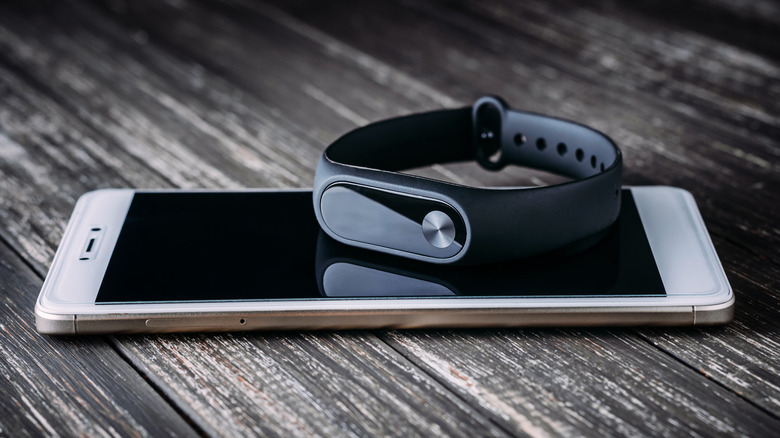
In a recent Reddit thread, one user reported that their Fitbit Air stopped syncing with the Google Health app on their Android phone. The thread drew many commenters who reported the same issue. Syncing lets users view their progress, metrics, goals, and nutrition logs recorded by the Fitbit in the Google Health app, Google's new name for the Fitbit app. If the Fitbit constantly fails to sync, the user is missing out on a majority of its functionality. Even a one-off sync failure can cause some data to be lost.
Syncing issues are common enough that Google published an official troubleshooting page. Make sure the Android device has permission to connect with nearby devices. In some cases, turning Bluetooth off and on may be enough to reestablish a connection. You can also attempt a manual sync, but if that doesn't work, you may need to restart the devices, download an update, or make sure the Android device isn't trying to connect to a different Fitbit.
Poor battery life or failure to charge
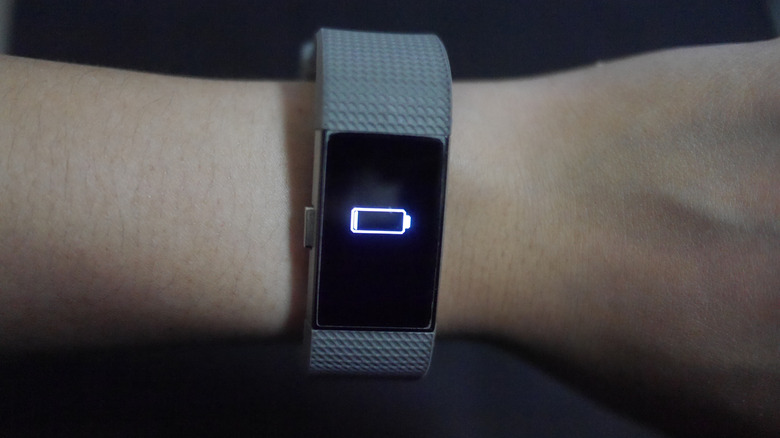
Battery issues are a regular occurrence for Fitbit devices. At times, users have reported that a single software update caused massive reductions in their Fitbit's battery life. It's also surprisingly common to come across Reddit threads from users seeking help with a Fitbit that won't charge. Fitbits typically last longer than a Google Pixel Watch in terms of holding a charge, but that may not be true for users experiencing a battery-life hiccup.
If your Fitbit won't turn on and doesn't seem to be charging, Google recommends plugging it into a wall outlet for 60 minutes before trying to restart it. If your Fitbit displays the error "insufficient power source," the issue may be your USB hub or wall plug. If the charger won't stay attached, your Fitbit or charging cable may need a deep clean. Google also provides advice in the Google Health Help Center on extending your Fitbit's overall battery life, mainly by lowering display settings or reducing the use of certain features.
Inaccurate fitness metrics

The whole point of fitness wearables is to keep track of various health metrics so you can optimize your lifestyle. Unfortunately, some smartwatches may measure health metrics inaccurately, including Fitbit devices. Google has provided information to help users troubleshoot inaccurate step counts or heart rates. For devices showing inaccurate calorie-counting data, Android Authority recommends logging back into the Google Health App and updating the app to the latest version. If sleep data is the issue, we also covered how to improve Fitbit sleep-tracking accuracy.
We reviewed the Google Fitbit Edge, the latest Fitbit model and successor to the Fitbit Charge series, and found that its health-tracking sensors are on par with those of many high-end smartwatches, though the Edge is less than perfect for heart rate sampling. If you're experiencing accuracy issues, consider some of the best Fitbit alternatives for health and fitness tracking to see if a different option might better suit your lifestyle.
Screen issues
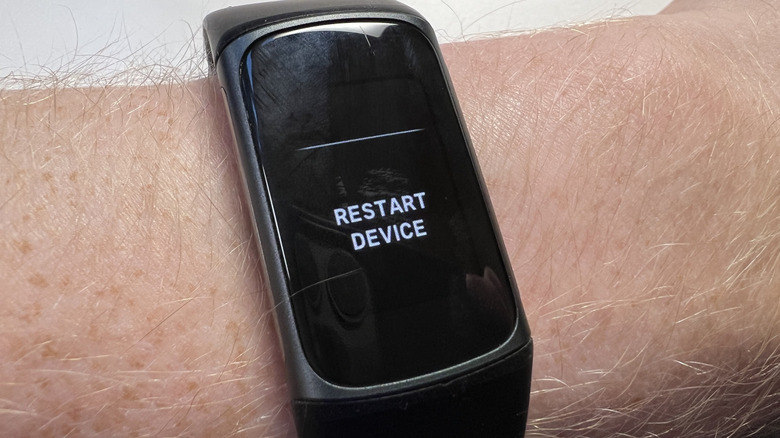
Android Authority has noted that users commonly report issues with their Fitbit screens. Online complaints have cited vertical lines, whitened pixels, tinting, and dimming. The recommended solution is usually to restart or factory reset the device. If that doesn't work, you can send your Fitbit to Google for official repairs if your device is still covered under a warranty.
Some wearables can be fixed at home, but Fitbit devices aren't particularly conducive to DIY repairs for even the most advanced tech gurus. iFixit gave the Fitbit Charge 6 a repairability score of 4 out of 10, which suggests that many major repairs, such as screen replacement, aren't possible without the manufacturer's specialized tools. Suffice it to say, Fitbits are usually not electronics worth repairing instead of replacing. If you run into a common issue that affects your Fitbit's usability, you may have no choice but to buy a new one.