

5 Essential Steps You Shouldn't Skip After Buying A Used Tesla
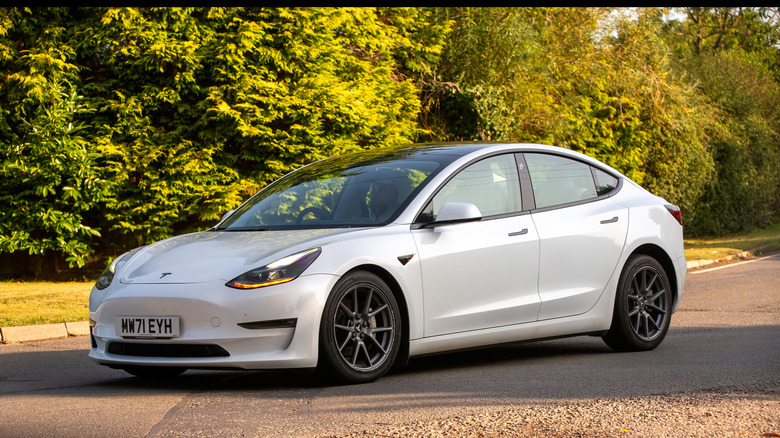
Even if it is used, there can be a real joy in buying yourself a new vehicle, especially a Tesla. Buying a used Tesla naturally has pros and cons, but if you've already committed to a vehicle you like, knowing what to do after you buy it can make the experience smoother. With that in mind, here are some essential steps owners should take after buying a used Tesla.
Like a gas-engine vehicle, Teslas need their ownership transferred to your name, but you'll only need the Tesla app. This app is also where you can add or remove drivers and view important information about any remaining warranties on a used vehicle. Since Teslas are electric, new drivers will need to consider at-home charging options, and Tesla also offers advice for new owners on extending and preserving their vehicle's range.
Once you've established some of the basics of owning a Tesla, the real fun can begin once you have an opportunity to dive into some of the hidden features available in these vehicles, such as Valet Mode and Bioweapon Defense Mode. Whether you chose a used Tesla for its electric engine or decided the Tesla Model 3 had features you simply couldn't pass up, knowing the basic steps to get started can help protect your vehicle. Just remember that the Tesla app will be your friend.
Transfer ownership and claim your vehicle
If you just bought a used Tesla, one of the first things you need to do is add the vehicle to the Tesla app and make sure it is assigned to you. New owners must ensure the vehicle is registered to them in the Tesla app (available on the Google Play Store and Apple App Store) to access features like roadside assistance or Supercharging. If you purchased the vehicle directly from Tesla, then it should automatically be available through the Tesla app. If you bought it from a third party, the prior owner will need to relinquish ownership, and you will then need to claim the vehicle.
First, create a Tesla account and upload the required documents, including personal identification, proof of ownership, and any documents needed to register the vehicle. Remember, while you can add up to five drivers to a Tesla vehicle, a single vehicle can have only one owner and one Tesla Account. From here, you can claim ownership of the vehicle. Open the Tesla app and select the menu icon in the top-right corner. Then choose My Products > Add Product.
The Tesla app will guide you through the process, but make sure you have Wi-Fi access and access to your vehicle. New owners will also need the vehicle identification number (VIN) and owner information. Note that it can take up to 48 hours for the vehicle to be included in the app. With the Tesla app installed, drivers may also want to consider these other essential apps for EV owners.
Setup charging at home
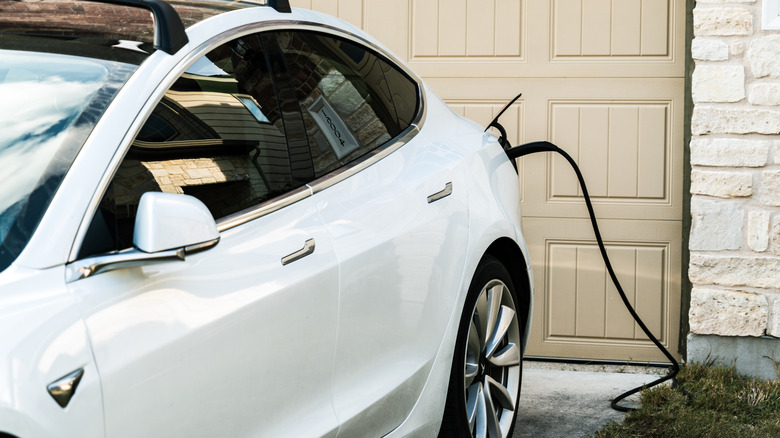
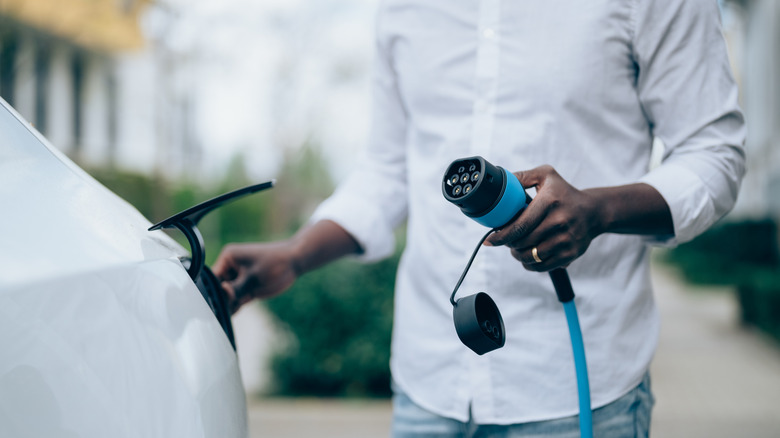
One perk of going electric is that you no longer need gas stations, and you can fuel your vehicle directly at home. According to Tesla, charging at home is one of the most convenient methods for owners, and we've even explored why home EV chargers can be more efficient than public ones. If this is your first time with a Tesla vehicle (or an EV in general), then you'll need to consider your at-home charging options.
Tesla's support documents have an entire section for Home Charging, and the process is relatively straightforward. However, Tesla recommends installing a charger before you receive your vehicle. First, you need to choose your connection type: Mobile Connector, Wall Connector, or Universal Wall Connector. Each has its own installation costs, purchase price, charging speeds, and even vehicle compatibility, so be sure to research what's best for you. Drivers will likely need to speak with a certified installer, though Tesla also offers a Find a Certified Installer tool to help you locate one.
When contacting an installer, ask whether a Wall Connector is included with the installation. Additionally, the company also recommends checking its website for any available incentives you may receive for going electric. Tesla also recommends testing the equipment while an installer is present, and reminds you that the installation process may take several hours. It also recommends PlugShare for finding third-party charging options should you find yourself too far from home.
Add or remove other drivers
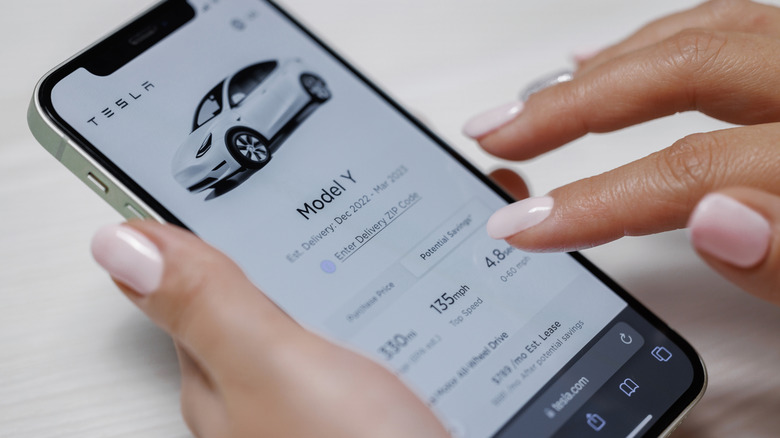
If you plan to let others drive your Tesla, make sure they have the right permissions. As we mentioned earlier, Tesla owners can add up to five additional drivers to any vehicle, and adding them is as simple as navigating the Tesla app. Once someone is added as a driver, they'll have access to the vehicle, plus in-app messages, roadside assistance, service scheduling, and even the vehicle's location. They will not, however, be able to add or remove other drivers or access payment methods, upgrade options, or insurance information.
The new driver will need the Tesla app and an Account. It's also a good idea for the primary driver and additional drivers to make sure they're using the latest version of the app and their device's operating system.
To add a driver, just follow these steps:
-
Open the Tesla app.
-
Select your vehicle.
-
Choose Security & Drivers.
-
Tap Manage Drivers.
The Tesla app will then guide you through sending the other driver an invitation. To remove a driver, follow steps one through four above, then select Remove next to the driver's name and confirm your decision. Remember, this is different from transferring ownership, but you can always remind would-be vehicle borrowers that Tesla's self-driving Cybercab is soon becoming a reality.
Check the warranty
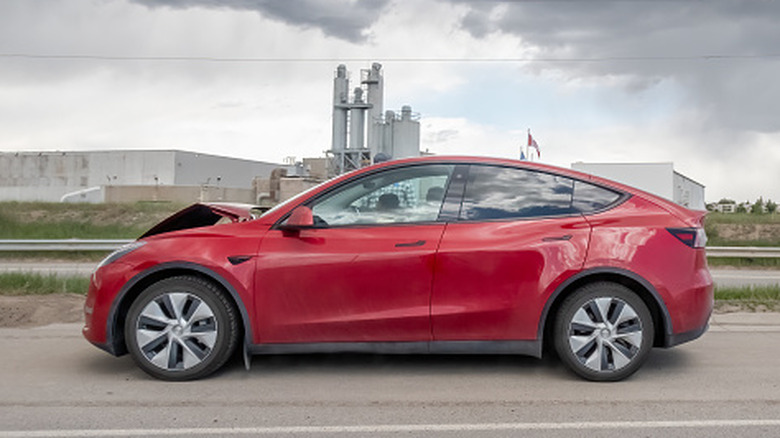
We're not here to sift through every common problem electric vehicles can have, but it never hurts to have protections when things go awry. Buying anything used comes with its own risks, but one perk of Teslas is that certain warranties can transfer between owners. For example, a used Tesla may come with a New Vehicle Limited Warranty, which includes several other warranties, including the Basic Limited Warranty and those covering specific parts of the vehicle.
Considering the sheer number of them, users may want to peruse Tesla's Vehicle Warranty page for more specifics, but the Basic Vehicle Limited Warranty covers a Tesla for 50,000 miles or four years (whichever comes first). Those who purchase a Certified Pre-Owned vehicle directly from the company also have access to a limited Warranty. This Pre-Owned Vehicle Limited Warranty kicks in after the Basic one expires, and it lasts for one year or 10,000 miles from your delivery date.
If you want to view your warranty information, you can do so directly in the Tesla app. Simply open the app, scroll to the bottom, and select Specs & Warranty. You can find coverage under the Warranty tab. If you ever need service, the vehicle will need to go to a Tesla Service Center to be covered by the warranty. Hopefully you never need it, but knowing the steps helps with preventative measures.
Remember your vehicle range
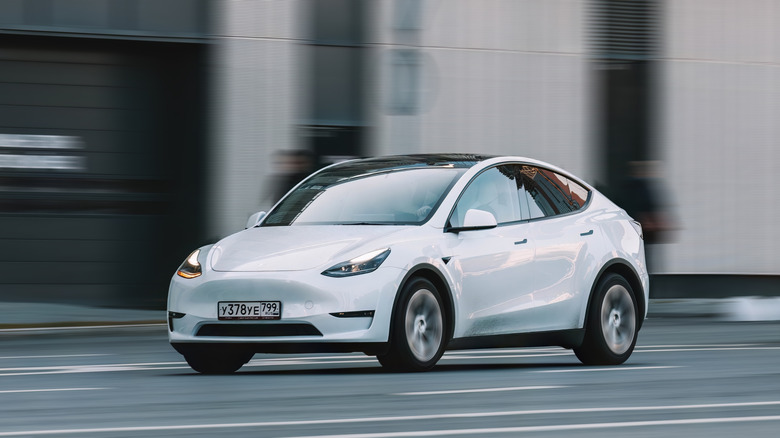
One of the biggest benefits of going electric is that you no longer need to rely on gasoline for travel, but it also means you may pay closer attention to the range your used Tesla can deliver. With electric vehicles, one thing drivers need to worry about is battery degradation, which means the lithium-ion battery will eventually lose power. Battery degradation can wreak havoc on an electric vehicle, but Tesla offers recommendations to help preserve your vehicle's range.
Range is the distance your Tesla can travel on a single charge, and users can view it as a battery percentage or approximate remaining miles. One of the easiest ways to boost range efficiency is through the Energy app on the Tesla touchscreen. Users can monitor their Tesla's battery, see which vehicle components consume the most power, and find other tips. To access it, open your vehicle's app menu.
Tesla also reminds users that how they drive can affect range. Hard acceleration and braking, driving uphill or at high speeds, and even frequent stops in high or low temperatures can affect your overall mileage. Additionally, certain accessories, such as bike racks and trailers, can also impact your mileage, as can inclement weather. If you need more tips, we have ideas for how you can extend your EV's range.
Methodology
There are several essential steps when purchasing a new vehicle, whether it's electric or not. For this list, we focused on essential steps that may apply exclusively to Tesla owners, and much of this information comes from the company's own service articles. However, when applicable, we also did our best to go beyond what Tesla provides to give users the best information possible. When developing this article, we also considered factors new electric vehicle owners may not be accustomed to, such as finding charging options or understanding the range of their new used Tesla.