

10 Tips To Take Full Advantage Of Your Smart Home
We may receive a commission on purchases made from links.
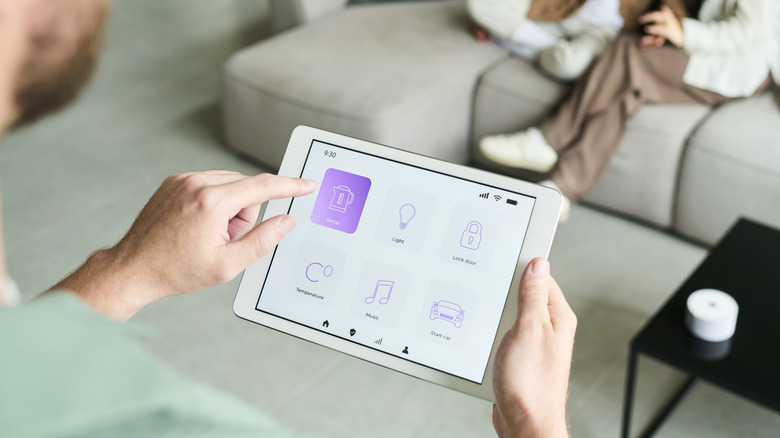
Smart home devices offer a range of benefits for the whole family, making life easier for everyone. Using your home's Wi-Fi network, these gadgets provide advantages that you won't be able to get anywhere else. With more companies focused on smart home technology, there's a good chance that there's already a device out there that will address a glaring issue in your household, or at least show you a need that you didn't know you had.
However, building your smart home shouldn't start and end with buying the devices. While they can already solve problems on their own, there are several steps you can take to further elevate your smart home ecosystem.
For those looking to take full advantage of their smart home, and for those starting from scratch, here are some tips to unlock the full capabilities of investing in smart home devices. The purchases add up, so you should make sure that every dollar that you spend will contribute to a comprehensive and efficient smart home ecosystem.
Stabilize your Wi-Fi
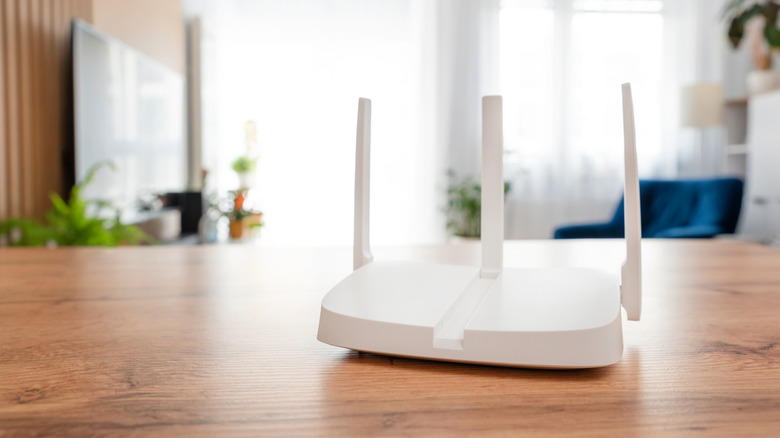
First and foremost, just as a vehicle's performance depends on its fuel, a smart home relies heavily on the speed and coverage of its Wi-Fi network. If your smart home devices aren't always connected to the internet, they won't be able to perform their intended functions.
You should be willing to spend on a subscription for internet speed of at least 50 Mbps, and even faster if your family members are heavy users alongside several smart home devices. You also need to make sure that your network covers every corner of your home to reach all your devices. 5G signals can struggle in passing through walls, so you may have to invest in a high-quality router, range extenders, or a mesh system.
You may also check our list of ways to improve Wi-Fi speeds, in case any of them will do the trick in getting your internet speed to your target number. A stable, fast, and wide-reaching Wi-Fi network is the foundation for a reliable and efficient smart home ecosystem.
Decide on the benefits that you want
It's going to be a very expensive endeavor if you want to install every single type of smart home device on the market, especially if you're just starting to build your ecosystem. It's important to decide on the specific benefits that you want for you and your family, so that you don't get overwhelmed with too many gadgets and apps to manage, and to avoid buying devices that you don't actually need.
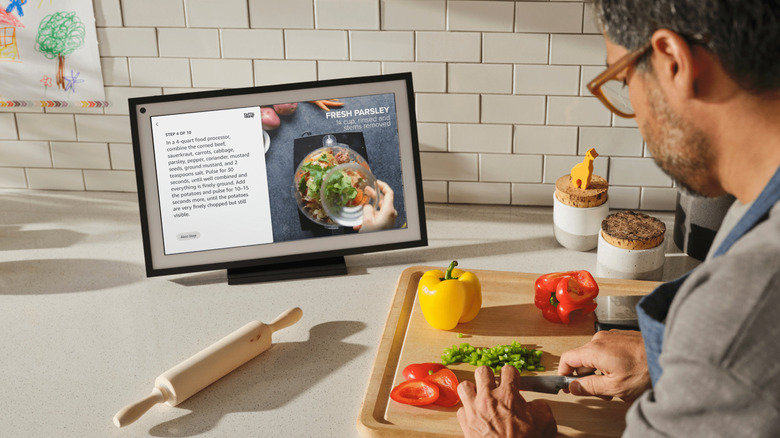
Two of the primary reasons for building a smart home ecosystem are convenience and security. For example, you can ask your digital assistant for recipes through a smart display in your kitchen, and you can set up your smart thermostat to adjust the temperature when you're almost home. You can also install smart security cameras throughout the house so that you can monitor everything from your phone, and you can equip your door with a smart lock for additional protection.
Of course, there are other types of benefits from a smart home setup, such as energy efficiency and entertainment. It's all up to you to determine exactly what you want to get out of your devices so that your hard-earned money and your efforts don't go to waste.
Consolidate your apps
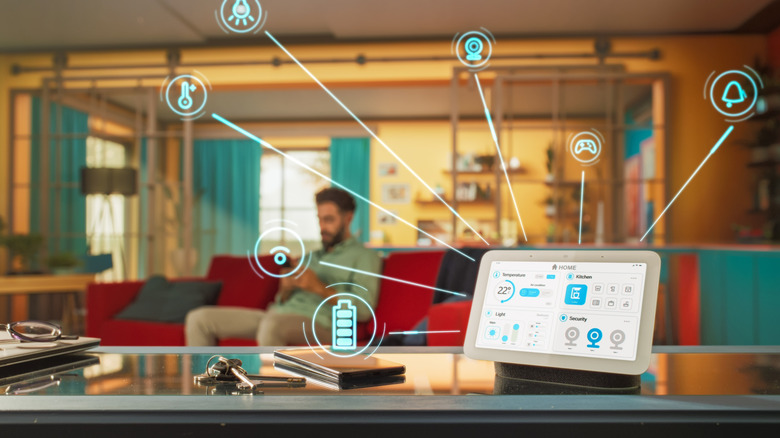
Smart home devices come with different companion apps where you can access all their features and settings. However, can you imagine having five different gadgets at home, and you have to access five different apps to manage them? It gets worse when you go up to 10 devices, 20 devices, and more. It would be so much easier if, for example, your smart security cameras and smart locks were accessible through a single app or a couple of apps.
This doesn't mean that you should only buy devices from one brand, though, as there are other ways to limit the number of apps and ecosystems that you need to deal with. Among the most popular methods are to use a digital assistant like Amazon's Alexa with an Amazon Echo device, or to link them all to your Google Home app.
Once you've gotten the hang of your smart home, you may consider setting up a HomeAssistant server, as recommended by Redditor u/mlee12382. The server will allow devices that are on different ecosystems to interact with each other, which will open up more types of setups for your smart home. According to Redditor u/OpethNJ, setting up a HomeAssistant server costs just around $200.
Utilize voice assistants
Speaking of digital assistants, voice assistants are amazing if you want to operate your smart home devices hands-free. For example, you can ask for a certain recipe if you forgot the measurements while you're already preparing the ingredients, or you can adjust the temperature of your room without having to get out of bed on a weekend morning. It's also often much faster to say a voice command than to open an app and navigate menus.
There are lots of voice assistants to choose from. In addition to the aforementioned Alexa (and Amazon's upgrade, Alexa+), others that are often used for smart home setups are Google Assistant (soon to be Google Gemini) and Apple's Siri. You're going to need a device that can accept voice commands to work with these voice assistants, though, such as any of Amazon's Echo smart speakers and smart displays, the Google Home Speaker, or even your iPhone.
Establish smart home routines
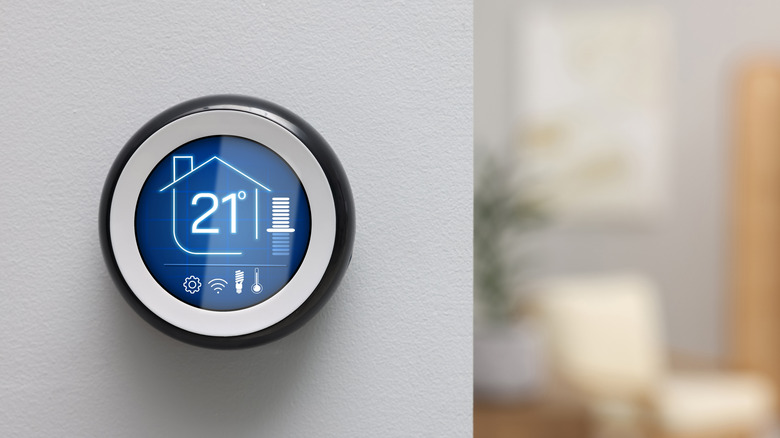
Routines are among the most powerful functions of a smart home. Automating several devices and/or processes to launch after triggering or activating a specific routine is like those scenes from sci-fi movies of the past. Well, the future is here, and smart home devices can now make it happen.
A thread started by Redditor u/BuyItForLife contains a lot of great examples of smart home automations, including thermostats that enter eco mode when everyone is away and switch back to regular mode when someone is nearby, coffee makers that start brewing when the phone alarm goes off, and lights that turn on and off based on schedules or the sunrise and sunset. With the right devices and some patience, you'll be able to create routines for all kinds of events and situations.
There are official guides online on how to establish Alexa Routines, as well as automations with Google Home and Apple Home. There's a learning curve, but once you get the hang of it, you'll open up your smart home ecosystem to endless possibilities limited only by your imagination.
Install firmware updates

Smart home devices, just like your smartphone and laptop, receive a steady stream of firmware upgrades. It's important to install these updates as soon as they're available for two important reasons.
First, installing firmware updates addresses a wide range of issues, ranging from fixing a minor glitch to patching a dangerous security flaw. Eliminating the risk from potential threats is actually already enough reason, as you wouldn't want hackers accessing devices that are set up around your home.
Second, a firmware upgrade can improve a device's performance and even add new features. There are cases when a smart home device will feel like a brand new one after an update because of the additional capabilities.
Whenever you receive a notification that a firmware update is available for any of your devices, you shouldn't delay the download and installation. It won't cost anything, but the benefits can be incredible and could elevate your smart home setup to new heights.
Convert non-smart devices
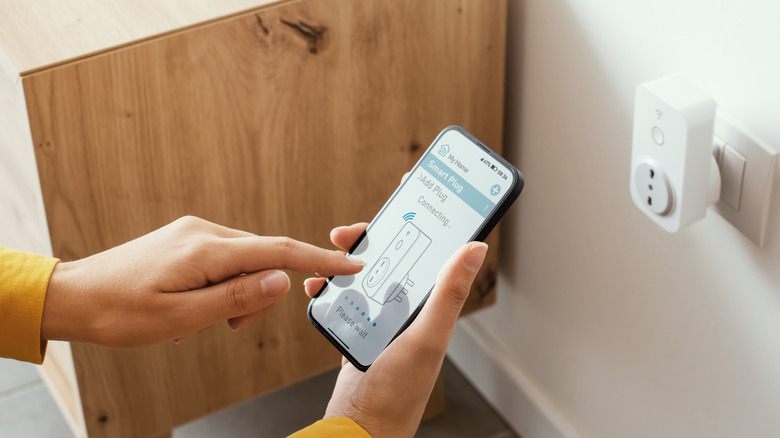
In creating a smart home, you don't have to throw away all your appliances and gadgets that don't connect to the internet. You can actually convert "dumb" devices into smart ones at a fraction of the cost of buying a replacement.
For TVs that aren't running on an operating system that enables access to streaming services and app downloads, the popular way to transform them into a smart TV is through the use of a streaming device. You can use an HDMI to RCA converter if the TV only has composite RCA input and no HDMI ports.
For mostly everything else, like electric fans, coffee makers, and lamps, you can use smart plugs. These fantastic little devices will allow you to control the power supply for any electronic device that plugs into a wall outlet, opening up the possibility of including them in your routines and automations. If there's an older appliance or gadget that you want to keep for whatever reason, you can give it a second lease on life by converting it into a smart home device.
Give access to family members

To further maximize your investments in your smart home and the effort in setting up all the routines, more than one person should enjoy the benefits. You need to give your family members access to the apps and the ecosystem.
By sharing access, every person can contribute to chores by checking if the washing machine is done, help in keeping tabs on the house by accessing the security cameras' feeds, and add to the family's shared calendar so they're all aware of the weekly schedule. These are just some examples of how a smart home can make family life more manageable for everyone.
Additionally, giving family members access to your smart home will allow them to customize their settings and perhaps even create their own routines once they're ready for it. Everyone has different preferences when it comes to the brightness of the lights, the temperature of the air conditioning, and the playlists that they want to stream, among others, so trust them with control of the devices that handle these functions.
Watch for discounts and bundles
Adding more devices to your smart home will expand its capabilities, but with their costs and the potential additional expenses from subscriptions, your budget probably won't last long. You can stretch your budget by watching for discounts and bundles.
Shopping events such as Prime Day and Black Friday present excellent opportunities to purchase smart home devices, as the savings can be huge. Discounts can go as high as over 50%, so if you can wait for these sales, we recommend that you do.
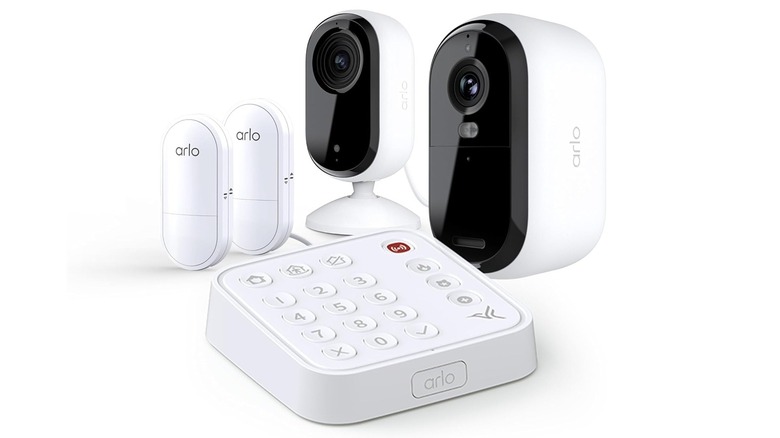
You should also be on the lookout for price cuts on bundles, as they're an excellent way of pocketing savings while acquiring devices that will have no compatibility issues with each other. This Arlo Home Security System, which includes security cameras, sensors, and a keypad hub, is an excellent example. You can also check out this Ring Alarm 8-Piece Kit that comes with a security camera, a video doorbell, alarm sensors, and a keypad.
Keep things simple
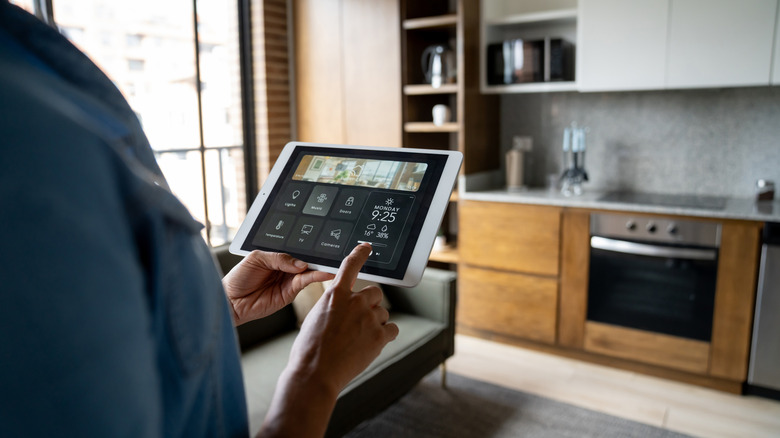
"Just because you can doesn't mean you should," a quote attributed to writer and entrepreneur William C. Taylor, applies to a lot of things, including smart homes. It's easy to lose track of all the devices that you've purchased and installed, so you need to exercise some restraint. You might end up spending on stuff that you don't need or barely use.
"A smart home should make life easier, not feel like mission control," Victor Zhang, PCB AIR's chief technology officer, told Tom's Guide. Remember, the purpose of setting up a smart home ecosystem is to make life easier for you and your family members. If a supposedly straightforward task takes several steps, that's not an efficient use of the technology.
Taking full advantage of your smart home doesn't mean loading it with devices you won't use or using apps that are too complicated for your family. Don't lose sight of the reason why you're setting up a smart home in the first place — keep it simple!