

What's The Best Way To Extend The Lifespan Of Older Android Phones?
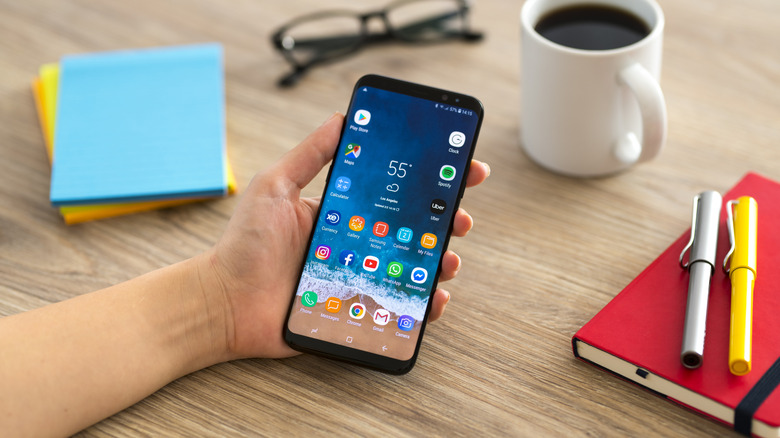
Now more than ever, we need to extend the life of our devices as much as possible, especially with the rising costs of mobile and computing hardware. If you break your phone or have to replace it early, you could be flushing a lot of money down the drain. But beyond protecting an old Android phone with a case and screen protector, how can you actually extend its lifespan? What goes into "good" handling or healthy maintenance? You might be surprised to learn how simple it is, as it's mainly about being mindful of what you're exposing your devices to and how you're treating them.
Of course, your first line of defense is physical protection: buy and install a tough case, protect the screen and any glass or fragile surfaces, including the back, and always keep it in a safe place, like a backpack, handbag, or even a pocket. Most of this is well-known, however. You'll also want to keep your phone away from extreme temperatures, cold and heat. Don't leave it sitting in the direct sun, on a windowsill or outside. Heat can absolutely kill your iPhone battery. If it's cold or hot where you're going, find suitable cover or keep it somewhere climate-controlled, like indoors.
You'll also want to clean it regularly, and not just from fingerprints and smudges, but also dust and debris. Remove it from its case to clean out anything that seeps inside, but make sure to put the case back on. Also, check the ports and use port-cleaning tools to remove pocket lint and other debris. You can also use a can of compressed air or a similar tool to blow out excess.
Mind the battery
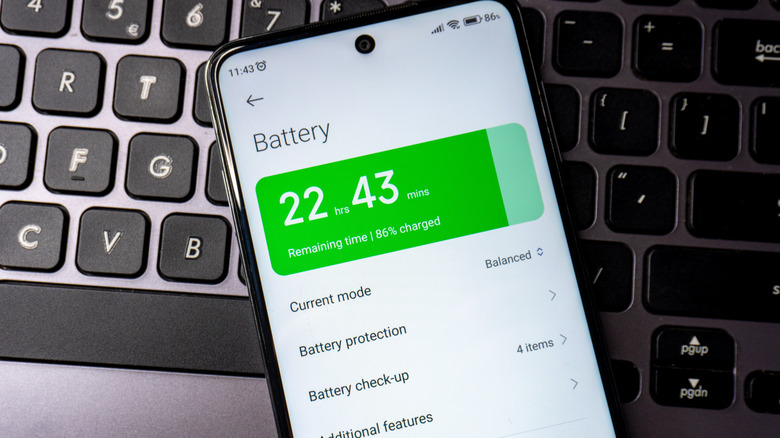
With portable devices, the battery is a core part of the experience. Over time, batteries wear down and hold less charge. Moreover, using generic or poorly engineered chargers can degrade batteries faster or outright ruin them. The problem, at least on the surface, is that most modern phones don't come with an easily replaceable battery. When it dies, people are more inclined to throw out or trade in their phones. In most cases, it's not difficult to replace a battery using an iFixit guide, and it's not expensive to have a battery professionally replaced, especially compared to the cost of a new phone.
You can also prolong a battery with proper care, just like the phone. Avoid overcharging or leaving the device on the charger for long periods. In fact, you may benefit from setting a charge limit if your device settings allow it. Turn on battery saver modes and use only high-quality chargers or the stock chargers that came with your phone. Also follow the 20% to 80% charge rule, avoiding charging to full and draining it completely each cycle. This charging mistake can ruin all electronic batteries, including laptops. Instead, keep your phone's battery between those two ranges for optimal use.
In addition, Android has many built-in software settings that can dramatically extend battery life if you turn them on and use them correctly.
Make sure to manage your software
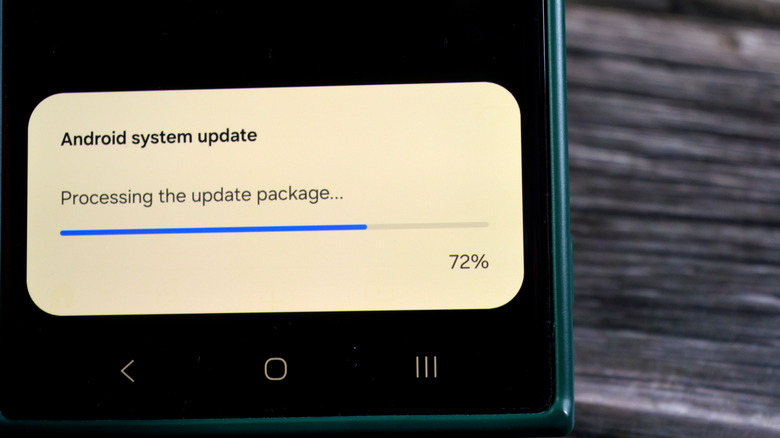
Physically protecting your phone and its hardware, and keeping the battery healthy, matters, but aging Android phones have another side you also need to care for: the software. As long as they're available through official support channels, always download and install system updates, and keep your apps up to date, whether you use Google Play or another app store. Keeping your software current ensures you get the latest bug and performance fixes, as well as security patches that keep your phone protected. Never skip an update, whether you own a Samsung device, a Google Pixel, or any Android phone or tablet. Plus, those updates often add extra features, like what happened with a major Google Play Services update. It added a bunch of new, really useful tools and support options. If your device has stopped receiving official updates, it's not safe to continue using it without installing custom ROMs or user-made firmware. That's the time to upgrade.
Beyond software updates, get in the habit of restarting your phone at least once a week. Also, keep your phone clean by removing apps you don't use and clearing out any data they leave behind. Do the same with personal photos and videos: back them up somewhere before deleting the local copies to save space. You don't want to keep your phone low on storage as it can severely hinder performance.
There's a lot to think about here. From physical protection to battery and software maintenance, tackling tasks one at a time makes it easier and will help your device last longer, letting you squeeze out more value.