

4 Useful Storage Devices Worth Adding To Your Kit
We may receive a commission on purchases made from links.
The internal storage that comes with devices like phones, tablets, PCs, MacBooks, and game consoles can fill up quickly. It means that you sometimes have to spend time taking inventory of what you have stored on the drive and delete things just to make room.
It can be disruptive, and you may end up letting go of things that aren't essential but would be nice to have around. Sure, you can upload what you need to a cloud storage service. However, subscription fees can rack up if the free plan doesn't suffice, and it's not a good idea to store everything on the cloud. But if you have a few extra storage devices in your kit, all these problems would practically disappear.
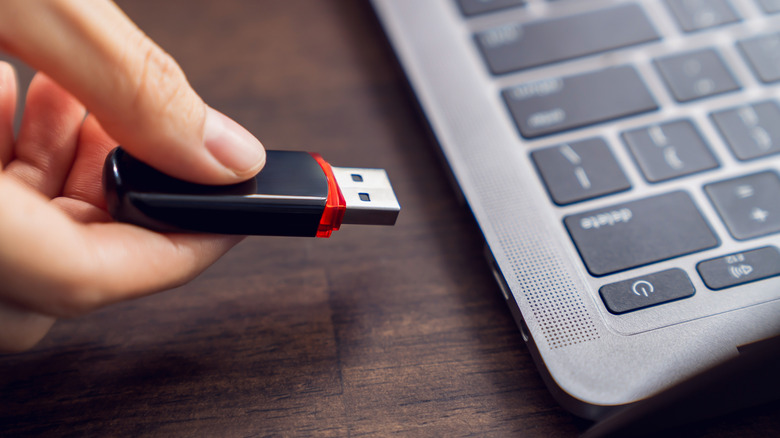
You need several types of storage devices for different scenarios. For instance, a microSD card is great for quickly expanding storage. It's also essential for devices that don't come with internal storage, such as some digital cameras and drones. If you need to quickly transfer files between devices, a flash drive is ideal. If you move around with large files that you regularly need access to, an external SSD is an excellent choice. And if you're looking for something reliable and affordable to use as a long-term backup, get an external hard drive.
SanDisk Extreme microSDXC Card (with Adapter)
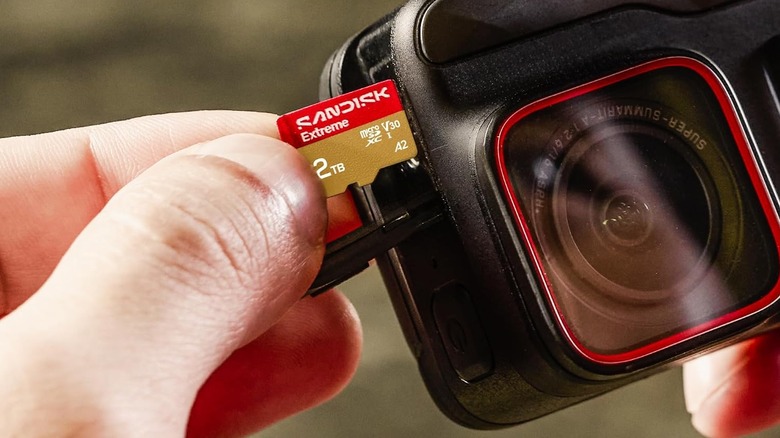
It's worth having a microSD card in your kit for devices that still have a microSD card slot, such as digital cameras, drones, handheld consoles, and some Android phones. The SanDisk Extreme microSDXC Card, which costs $44.60 for the 128GB version, has some of the fastest read and write speeds since it's an Ultra High Speed-I (UHS-I) card. It can manage read speeds up to 245MB/sec, making it a good option for transferring high-resolution images and 4K Ultra HD videos to a compatible device. It also has write speeds of up to 170MB/sec.
At a minimum, it can sustain a writing speed of 30MB/s, thanks to its U3 rating. This means the card belongs in the UHS speed class of microSD cards, making it great for photographers and those who need to record 4K video. Just keep in mind that this won't work with a Nintendo Switch 2, as that console requires a microSD Express card like Lexar's microSD Express Play Pro line.
Furthermore, if you're going to use it in cameras, laptops, USB hubs, and other devices with a standard SD card slot, you're going to need an adapter. Luckily, the SanDisk Extreme microSDXC Card comes with one.
Lexar D40E Flash Drive
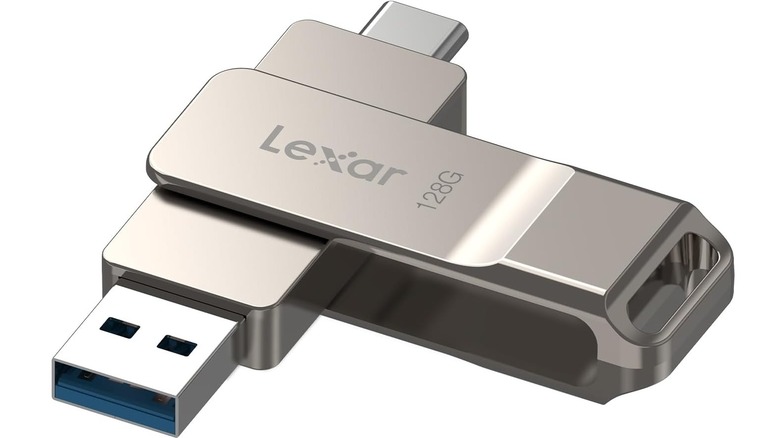
The Lexar D40E Flash Drive can come in handy in a number of scenarios. For instance, it can serve as a portable backup for photos and documents that you can always keep within reach. Furthermore, it offers a quick way to transfer files, such as videos and high-resolution images, between devices without needing a cable or internet connection. It's also great for creating bootable media. With a tool like Ventoy, you can boot entire operating systems, including Linux and Windows, from a flash drive (no installation needed).
The Lexar D40E Flash Drive costs $29.99 for 128GB, although it ranges up to 256GB. The standout feature is that it has a USB-A and USB-C connector. This means it can support modern devices with USB-C ports, like MacBooks and ultrabooks, while still being compatible with legacy devices that have USB-A ports. Because of the USB-C connector, it can be plugged into various modern phones. This makes it an excellent storage device for transferring large photos and videos when storage gets full.
The flash drive boasts a speed of up to 100MB/sec. Furthermore, you can protect whatever you transfer to it with 256-bit AES encryption using preloaded security software. This type of encryption is considered virtually unhackable, and is even used by government agencies like the National Security Agency (NSA). If you don't want to encrypt the data, you can delete the software and use it as normal.
SanDisk Extreme Portable SSD
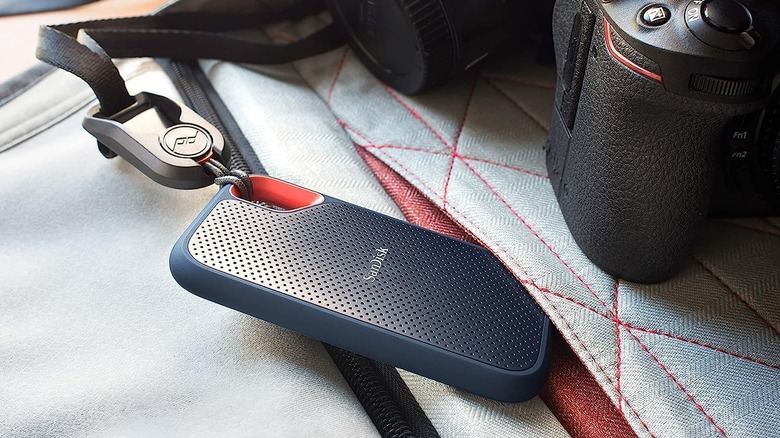
An external SSD is good for storing data that you access regularly, such as photos, videos, live documents, active project files, and even games. The biggest hurdle you'll run into when purchasing one is the price — they're expensive, and prices will keep rising due to the AI rush demanding an incredible amount of NAND flash memory. You might think about getting a cheap SSD, but that would be a gamble, especially if you plan to store important and sensitive information on it. However, if you can afford a new SSD, something like the SanDisk Extreme Portable SSD, which costs $224.95 for 1TB, is a great addition to your kit.
The 1TB is a good baseline feature to look for in an SSD, as it'll cover many everyday usage scenarios. Inside the enclosure is a high-speed NVMe SSD drive. It's capable of read speeds of up to 1,050MB/sec and write speeds of up to 1,000MB/sec. It comes with its own USB cable and USB-C to USB-A adapter if you need to insert it into legacy devices. If you're going to be moving around, you can attach it to your belt or backpack using the carabiner loop.
If you're using it with a laptop, it might be more convenient to use something like the Slipdrive Portable Hard Drive Sleeve, which costs $16.99. You can also protect your data using 256-bit AES hardware encryption.
Seagate Portable Hard Drive
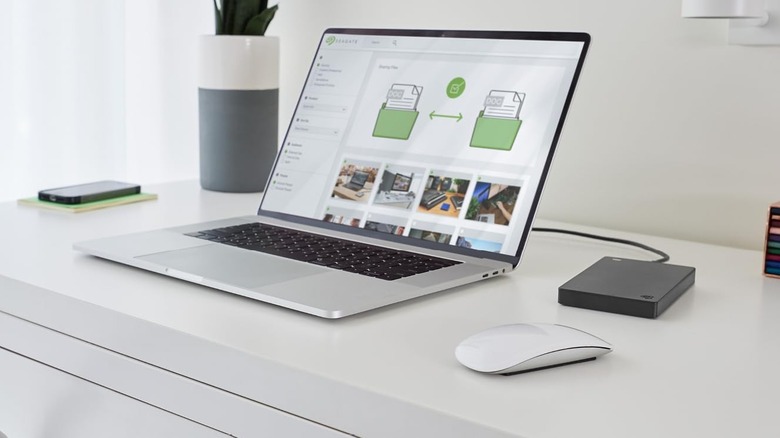
Even if you have an external SSD, there's an argument to be made about still adding an external HDD to your kit, like the Seagate Portable Hard Drive. While hard drives are slower, it's riskier to back up data that you'll rarely access on an SSD.
The problem with using SSDs for long-term cold storage is that their NAND cells will start to leak electrons after months of inactivity, and this can lead to permanent data loss if you forget to plug them in once in a while. If you want a backup solution that you can set and forget, an HDD is the better choice.
Plus, hard drives are significantly cheaper. For the Seagate Portable Hard Drive, you'll pay $129.99 for 2TB, and $208.99 will get you 4TB. The external hard drive comes with a USB 3.0 cable that has a USB-A connector. To plug into a MacBook or any other computer without a USB-A port you'll need a USB-C hub or a USB-A to USB-C adapter. But whatever you do, do not buy a secondhand hard drive and use that as your primary backup method, as the failure rate of hard drives in general increases significantly after three years.
Methodology
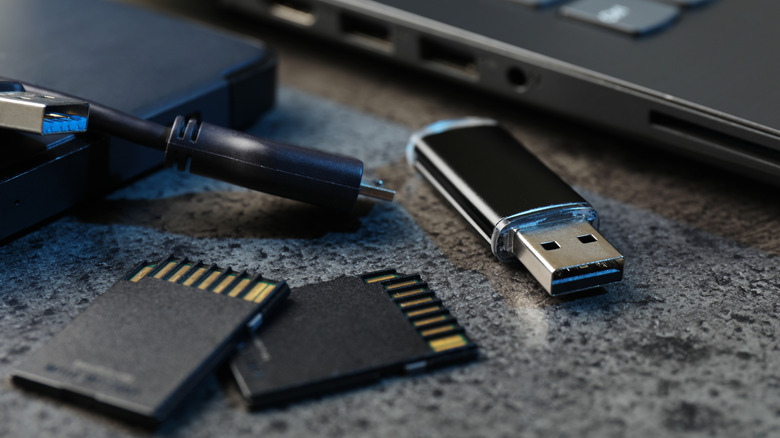
When picking these storage devices, we looked at various scenarios, especially those surrounding data transfers and creating data backups. Since these will go into a kit, they also need to be a portable solution, which is why we didn't mention something like a network-attached storage (NAS) device.
Price was not much of a factor because storage is not something that you'd want to cheap out on if you're going to store precious memories, work-related files, and backups. We also wanted to ensure that each product can be found on Amazon and that it has a minimum rating of four out of five stars based on over one thousand ratings.