

4 Reasons Why I Still Use A Streaming Stick Even Though I Have A Smart TV
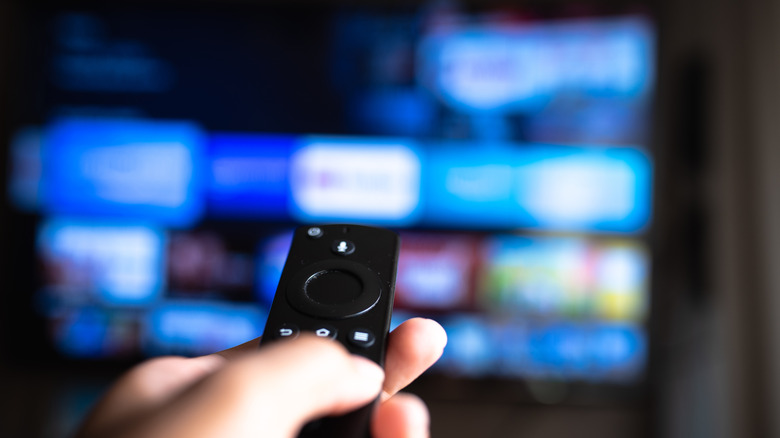
Most people wonder how it could be worth buying a streaming stick or box when they already have a perfectly functioning smart TV with built-in software that gives them the same apps they'd use. But if the smart TV proves to be unreliable, whether that's because its software is slow or the hardware may be on its last legs, a separate streaming device has its benefits. At the very least, it offers flexibility since you can take it with you while traveling or plug it into a replacement TV.
It's not that uncommon to keep a streaming stick past its software support expiry date, so the typical four to five years of ownership isn't a hard deadline to replace. You can absolutely keep older ones that still function and work with your apps. That's why I am a big advocate of using a streaming stick alongside your smart TV — while my reasons may differ from someone else's, I have been a Fire TV Stick holder since 2017, when Amazon released the first-gen Fire TV Stick in Canada. It's given me a consistent streaming experience as I have gone through several TVs in my living room, and it's provided extra flexibility to upgrade when I didn't have the financial means to do so.
I buy cheaper smart TVs
I like to have two smart TVs in my home. Unfortunately, that means one of them gets the short end of the stick for being more budget-friendly. For example, I had two RCAs; one had older, proprietary software called Virtuoso, which limited the selection of apps I could choose from. Since I found the UI not very friendly and the actual software lagging — clearly more than the streaming sticks I've owned — I ended up just keeping my Fire TV Stick plugged in. The second RCA had Google TV built in. Google TV itself was fine, but again, the TV seemed slow to respond while navigating the apps — less responsive than my Fire TV Stick.
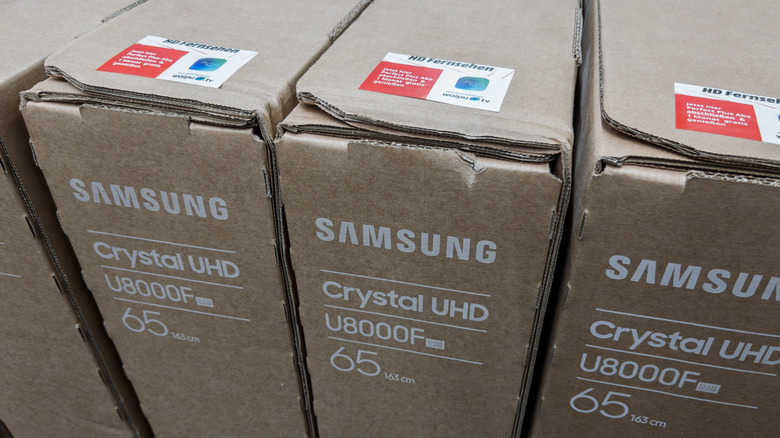
Afterward, my next TV was a Samsung from the 4K Crystal UHD series. It runs Tizen OS, and the software was a step up from RCA's. But because the ecosystem had shifted from the TV I was still using in the other room, my muscle memory fought against the different UI and remote layouts. Ultimately, I preferred sticking with my Fire TV Stick (pardon the pun), plus I had reservations about connecting the Samsung account used on my phone to a TV that's being shared by the household. I know what I am getting with Fire TV Sticks, and since I normally keep them for long periods, performance stays consistent, which I can't say about the cheaper TVs I cycle through.
I am also not opposed to buying smart TVs second-hand if the price is right — that also means there are no guarantees about how long they will last compared to buying brand-new. However, that matters a bit less since I know my streaming stick can be plugged into another, saving all my apps and preferences on a single device.
Streaming sticks are quite portable
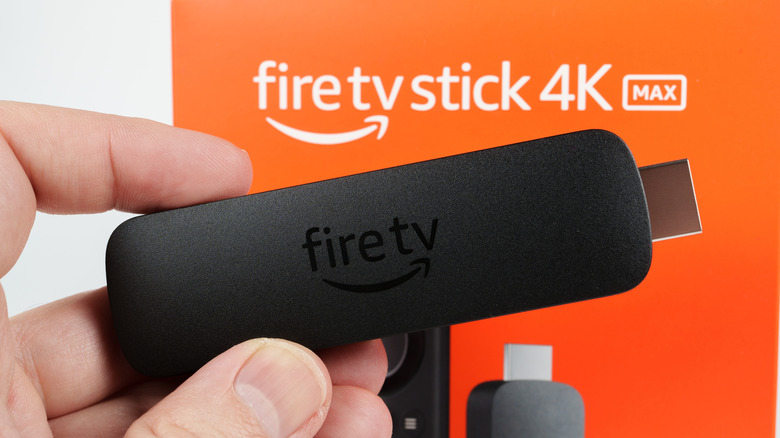
Since the thing that powers my TV experience isn't built into my actual TV, I don't have to worry about missing out on my favorite shows or entering my login information on a shared device whenever I stay at a hotel or somewhere else. It's much easier to pack a dongle than a display, which means I can tune into Netflix while cozying up on the couch or in bed. There are also little to no barriers to using one compared to an unfamiliar or guest TV, since once you plug it in, you are already logged into your accounts with all your apps and preferences already saved.
Some might ask, "Why not use a smartphone or tablet instead?" I have tried, but I tend to get headaches from looking at smaller screens for too long, since getting the angle and distance right can be tricky. For me, it's easiest to find that healthy screen distance with a TV — it's one reason I opt for something TV-related over a computer after staring at one all day for work. Then, of course, if I left the Fire TV Stick behind at a relative's or friend's place, it wouldn't be as nerve-racking since I don't need that device for work (unlike accidentally leaving my iPad or laptop behind). And if I really wanted to, I could also lend it out — there are even a few public libraries that already do this.
Upgrading a streaming stick is easier
I like to keep my smart TVs as long as possible — until they physically break. That means I need to be tolerant when it starts showing its age and begins to run more slowly. With a streaming stick, I can hide some of these problems and offload some of your TV's processing onto it. It's a solid way to ease the pressure to upgrade your smart TV until you are ready. Personally, I look for deep holiday discounts or retail-specific sales throughout the year — I check Amazon, Best Buy, and Walmart to find the best time to upgrade if the price is right.
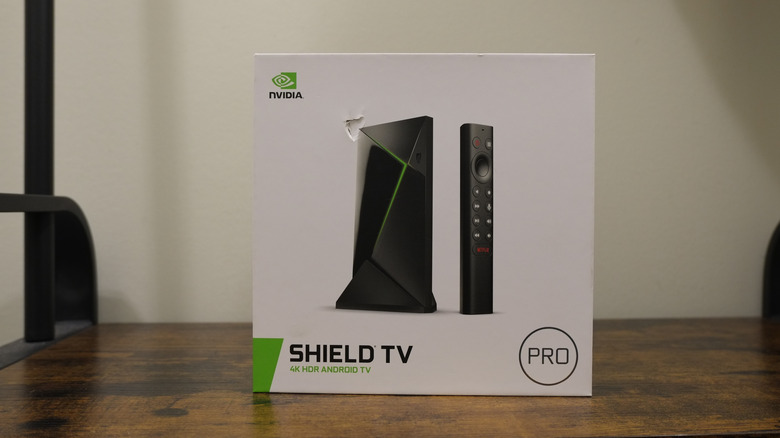
Also, recent streaming devices have come a long way for 4K video streaming, and not all cost an arm and a leg — Walmart's Onn 4K, a good budget pick-up that you can sometimes find for less than $50, is a great example here. But if you want to go high-end and have the network stability to do so, premium options include the Apple TV 4K, Google TV Streamer 4K, and Nvidia Shield Android TV Pro — all potentially overkill for what you might need, but certainly they pack in performance. To me, this beats forking out $500 to $900 on a new midrange smart TV (potentially more for assisted setup), and sometimes, if you're unlucky, you can end up spending closer to $1,500 for larger models.
My Amazon Fire TV Stick is from 2023 for a reason
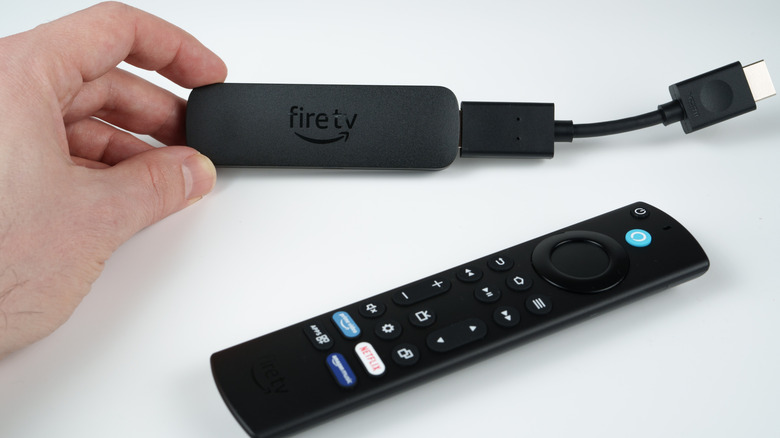
A major reason I like older Android-based Fire TV Sticks is that I can jailbreak them. I've done that with a few and added some great apps I otherwise couldn't, like Kodi. Sadly, the newer Fire TV models on Vega OS don't have that same luxury. Amazon's custom Linux-based OS doesn't support APKs (which are the Android equivalent of Windows EXE files) and Amazon has added friction with the developer options (you need to be registered). On the Android-based Fire OS models, you could enable the developer options menu by clicking the device model name repeatedly with your remote, which would unlock hidden features like sideloading apps. The fact that modern Fire TV Sticks loaded with Vega OS restrict this won't necessarily deter me from buying new ones, but I'll eventually need to evaluate all of my options if I want to keep getting apps from outside the Amazon Appstore.
And that brings me to another point that ties into my last one: If the built-in TV OS I liked took away features I relied on, I'd still be stuck with it until I was ready to spend big on a new TV. Since the software I'm using runs on hardware that can be unplugged and only costs tens (not hundreds) of dollars to replace, I have the flexibility to jump ship to a streaming stick that does fit my needs.
At the very least, the relatively recent Fire TV Sticks (particularly the second-generation Fire TV Stick 4K Max) are solid upgrades with their Wi-Fi 6E support, newer processors, and increased storage. But I won't have to make that call yet since mine is still working well, and these streaming sticks can last between 5 and 10 years.