

7 Hidden Google One Perks You Need To Start Using
For many people, the primary reason to sign up for Google One is to add more cloud storage to their Google accounts. You'll get an extra space of 100GB to as much as 30TB, depending on the tier you choose. However, you may not be aware of all the benefits, especially for the more expensive plans. To help you make the most out of your subscription, we've rounded up all of the perks that members can enjoy.
The monthly cost of Google One subscriptions starts at $1.99 for the Basic plan with 100GB of storage, then moves up to $2.99 for Standard with 200GB and $9.99 for Premium with 2TB. You also have the option of signing up for the Google AI Pro plan with 2TB for $19.99, or the Google AI Ultra plan with 30TB for $249.99.
Depending on the membership tier you choose, Google One offers hidden perks such as unlimited photo editing, cashback on purchases, and access to a library of AI tools. Read on to check out these benefits, and if you think any of them will be helpful for your personal or professional purposes, start using them right away to maximize Google One.
Share the perks with family and friends

When you sign up for any Google One subscription, whether it's the most affordable one or the most expensive, you'll be able to share all of the perks that you'll get with up to five other people — except for one that we'll reveal below. You'll be splitting the storage space that comes with the tier level that you choose, but everyone sharing the membership through the "Manage family settings" menu of the Google One app will also be able to access most of the benefits.
You wouldn't have to worry about privacy, though. While up to six people will share the storage space, they won't be able to access each other's files. You'll be able to check how much storage each person is using, though, and if someone's hogging most of the space, you can tell them to delete some of their files to free up some GBs for everyone else.
Save unlimited photos from Magic Editor

The AI-powered Magic Editor is a tool that you can access by choosing the Edit option when you select a picture on Google Photos. Just some of the things that you can do with this feature are moving and erasing subjects, such as removing a photobomber in your photo, or reimagining the picture by adding new elements, such as adding dragons in the background while you're on top of a castle. You can also use the tool to adjust and reframe a shot that was taken off-center or with the wrong composition.
The Magic Editor is available to all Google Photos users, though phones with at least 3GB of RAM are necessary to handle it. However, unless you're using a Google Pixel smartphone, you're only allowed to save up to 10 edited photos per month. To unlock unlimited saves on the Magic Editor while using another Android phone or an iPhone, you'll have to sign up for a Google One Premium subscription or above.
Receive cashbacks on Google Store purchases
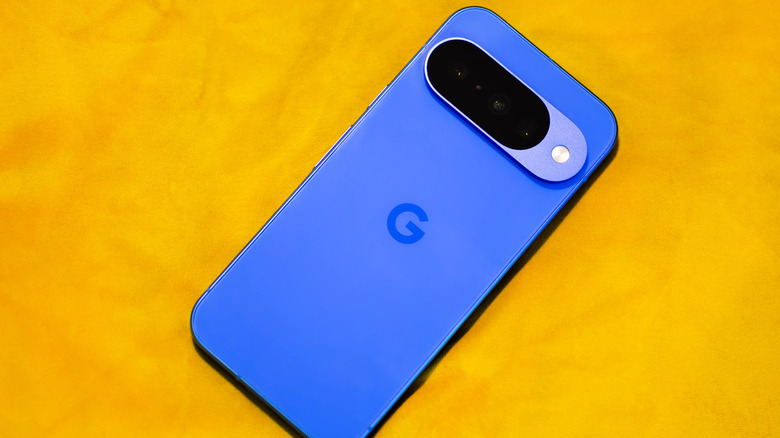
If you've been thinking about replacing your smartphone with any of the models in the Google Pixel 10 series, an active Google One subscription gives you another reason to make the switch. Members are eligible for cashback on anything you purchase on the Google Store, where you can buy Pixel phones, Pixel watches, Fitbit fitness trackers, and a wide range of smart home gadgets, among other products.
Google One subscribers will receive the cash back in the form of Google Store credit. If you've signed up for a 200GB plan, you'll get 3% of the amount that you spent, and if you've signed up for the higher tiers, you'll get 10%. To secure this reward, you just need to sign in with your Google One account on the Google Store before you make your purchase. The amount of the credit will be shown at checkout, and it will be available 30 days after your order ships out, provided you are still a Google One subscriber.
Unlock extra features on Google Workspace
For those who are using Google Workspace for remote jobs and other professional purposes, signing up for Google One's Premium plan or above will give you access to additional features on Google Calendar and Google Meet. These perks will make it easier to manage your schedules and improve team communications, so they're a nice bonus to your Google One subscription.
With Google One active, you'll be able to create a page on Google Calendar where other people can book appointments with you. They'll receive email reminders for their schedules, and you'll also be alerted to any conflicts. Meanwhile, for Google Meet, you can have group meetings lasting up to 24 hours, compared to just 60 minutes if you're on a free account. You'll also be able to activate noise cancellation, save video call recordings to Google Drive, and set up livestreams of meetings on YouTube.
Save on YouTube Premium

People sign up for YouTube Premium to get rid of ads when they're watching videos on the platform. There are some hidden YouTube Premium features as well, though, including improved controls on mobile devices and smart downloads so you'll always have something to watch when offline. With the YouTube Premium price hike, it will hurt your wallet a bit more, but you can save with a Google One subscription at the Premium tier or higher.
To get the discount, go to the Benefits section of the Google One page and add YouTube Premium to your plan. From there, you'll see the lowered price of the subscription before you sign up. For Google One Premium subscribers, the annual price will be 50% off, while for Google AI Ultra subscribers, the service will be a free add-on. Unfortunately, though, this is the perk that can't be shared with the other people in the family plan, so they'll have to sign up for YouTube Premium separately.
Utilize Gemini in Gmail, Docs, Slides, Sheets, and Meet
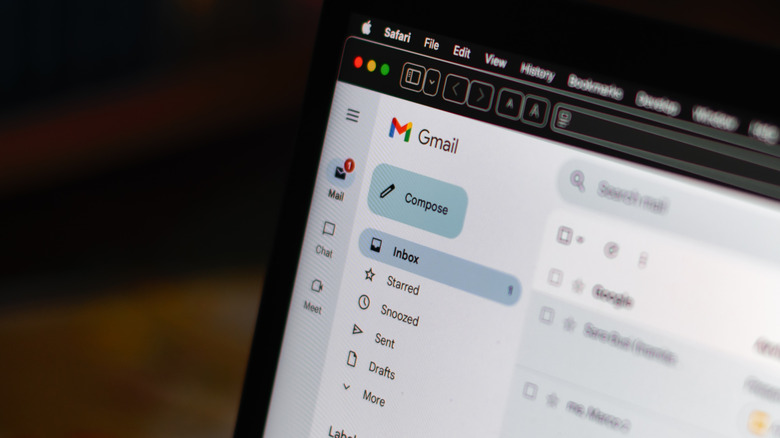
Google Gemini, the Google Assistant replacement, is making waves with its presence in Pixel phones, Google Home, Android Auto, and several other applications. If you can't get enough of the usefulness of the AI assistant, you can get it on a variety of Google apps by signing up for a Google One AI Pro plan.
Gemini already has a wide range of uses in Google apps, such as helping you write emails and reports in Gmail and Google Docs, transforming your ideas into striking visuals in Google Slides, and improving the organization of your thoughts and plans in Google Sheets. Gemini will also make you look and sound better during calls on Google Meet, which will go hand in hand with the upgrade that lets group meetings last much longer. These apps are already very helpful for daily tasks, and adding Gemini's capabilities will make things even easier for you.
Access more AI tools
In addition to Gemini, there are other AI-powered tools that you can unlock with a Google One subscription. Among the most popular ones is NotebookLM, to which you can upload up to 50 sources, such as PDFs and website links, and then it will summarize all the information for easier understanding. The app gets supercharged to NotebookLM Plus with Google One AI Pro, with up to 300 sources per notebook, and up to 600 per notebook with no watermarks on the output if you're on Google One AI Ultra.
Signing up for Google One's AI plans also grants expanded access to Deep Research, which can dive deep into the web and even your own Google apps to gather information for your project; Veo 3, a video generation model that can transform your prompts into short-form videos; and Jules, a coding agent that works asynchronously with developers and is designed with GitHub integration.